

A technical SEO audit should explain which technical conditions prevent useful pages from being discovered, indexed, understood, or used. This SEO technical audit checklist — and the technical SEO audit report it produces — is not a raw crawl export; a spreadsheet of URLs is evidence, not the finished audit.
Work from the largest constraint toward smaller improvements. If important pages are blocked, canonicalized elsewhere, or absent from internal navigation, polishing title tags will not solve the main problem. Use the same seven-step technical SEO audit template whether you run a full site audit or a manual SEO audit on one template at a time — a short seo tech audit checklist skips steps a real audit still needs.
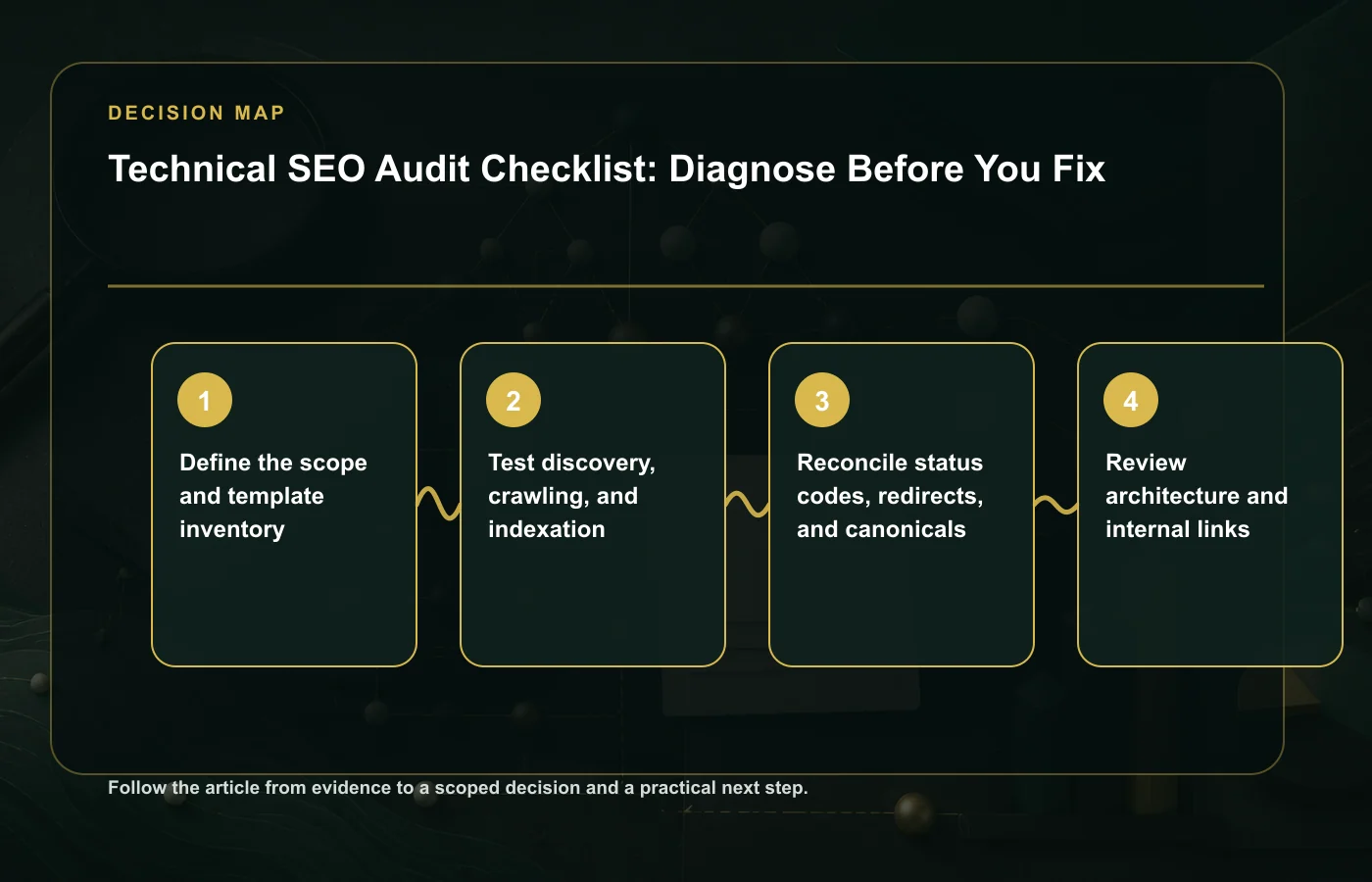
1. Define the scope and template inventory
Record the preferred hostname, protocol, important subdomains, language or country variants, content systems, recent migrations, and known seasonal patterns. Then inventory templates rather than treating every URL as unique.
- Homepage, categories, products or services, articles, location pages, filters, search, pagination, and utility pages
- Expected indexability and canonical behavior for each template
- Primary internal path to each template
- Approximate URL count from CMS, sitemap, crawl, and Search Console
- Business importance and conversion role
2. Test discovery, crawling, and indexation
Compare multiple sources because each sees a different part of the site: an authenticated CMS export, XML sitemaps, an HTML crawl, server logs when available, and Google Search Console indexing data.
| Check | Evidence | Failure pattern |
|---|---|---|
| Robots access | robots.txt, rendered resources, URL Inspection | Important pages or required assets blocked |
| Index directives | Meta robots and HTTP headers | Accidental noindex or conflicting directives |
| Sitemap quality | Submitted sitemaps and URL status sample | Redirected, canonicalized, blocked, or error URLs included |
| Discovery paths | Crawl depth and inlinks | Orphan or weakly linked important pages |
| Index selection | URL Inspection and indexing reports | Google selects a different canonical or ignores low-value duplicates |
Do not interpret every excluded URL as an error. Redirects, duplicates with a correct canonical, and intentionally non-indexable utility pages can be healthy. The question is whether the observed status matches the template's intended role.
3. Reconcile status codes, redirects, and canonicals
For each important URL group, HTTP status, canonical tag, sitemap membership, internal links, and redirects should point toward the same preferred URL. Conflicting signals make consolidation slower and less predictable.
- Force one preferred HTTPS hostname with direct redirects.
- Remove redirect chains from internal links and sitemaps.
- Use self-referencing canonicals on stable indexable pages.
- Canonicalize true duplicates; do not use canonical as a substitute for poor information architecture.
- Return `404` or `410` when removed content has no relevant replacement.
- Use `301` only when a clear successor preserves the old page's purpose.
Sending every retired URL to the homepage can be treated as a soft 404 and creates a confusing experience. Our content decay framework helps choose between updating, merging, redirecting, and removal.
4. Review architecture and internal links
A healthy architecture communicates hierarchy through navigation and descriptive HTML links. Important pages should not depend on internal search, JavaScript-only interactions, or XML sitemaps for discovery.
- Trace homepage-to-priority-page click paths.
- Identify orphan pages and pages with only boilerplate inlinks.
- Check whether breadcrumbs reflect a useful hierarchy.
- Review anchor text for clarity without forced repetition.
- Confirm pagination and filters do not create uncontrolled crawl spaces.
- Check that mobile navigation exposes the same essential destinations.
5. Measure rendering and page experience
Use field data when available and lab tools for diagnosis. Google's current Core Web Vitals thresholds define a good experience as Largest Contentful Paint within 2.5 seconds, Interaction to Next Paint at 200 milliseconds or less, and Cumulative Layout Shift at 0.1 or less, evaluated at the 75th percentile separately for mobile and desktop.
Performance work should identify the element or task causing the metric, not merely target a score. Common high-reach fixes include prioritizing the main image, reducing render-blocking resources, reserving media dimensions, limiting third-party scripts, and reducing long main-thread tasks.
For JavaScript-heavy sites, compare initial HTML, rendered HTML, and user-visible content. Verify that key text and links exist after rendering, error states do not masquerade as `200` pages, and essential metadata is present consistently.
6. Validate structured data and metadata
Structured data should describe visible content accurately. Validate syntax, required properties, canonical alignment, and template coverage. Rich-result eligibility is not guaranteed, so the page must remain complete without enhanced search presentation.
Also sample titles, meta descriptions, headings, language declarations, Open Graph data, and publication information. Focus on template defects and high-value outliers rather than rewriting metadata sitewide because a crawler labels it "too long."
7. Turn findings into a technical SEO audit report
Use this table as the reporting template: fill one row per finding so the audit stays consistent from audit to audit.
| Field | What to record |
|---|---|
| Evidence | Example URLs, reports, screenshots, headers, or crawl comparison |
| Expected behavior | The rule the template should follow |
| Impact | Affected page group, demand, users, and business role |
| Recommendation | Specific implementation change, not a symptom |
| Acceptance test | How the team will prove the fix works |
| Owner and dependency | Who acts and what must happen first |
Retest the same sample after release, then monitor production data. An audit is complete when the team can make and verify decisions, not when the slide deck is delivered.
FAQ
What is a manual SEO audit?
A manual SEO audit is this same process done by a person comparing multiple sources — an authenticated CMS export, XML sitemaps, an HTML crawl, server logs when available, and Google Search Console indexing data — instead of trusting one automated report. It matters because not every excluded URL is an error: redirects, duplicates with a correct canonical, and intentionally non-indexable utility pages can be healthy, and only a human review can tell the difference from the template's intended role.
What does a technical SEO audit report include?
This records, for every finding: the evidence (example URLs, reports, screenshots, headers, or crawl comparison), the expected behavior the template should follow, the impact on the affected page group and business role, a specific recommendation, an acceptance test, and the owner and dependency. Keep the technical SEO audit content evidence-first, then retest the same sample after release and monitor production data — the audit is not finished until the team can verify the fix worked.
What should a technical SEO audit checklist cover?
Scope and template inventory, discovery and indexation, URL signal reconciliation, architecture and internal links, page experience, structured data, and a prioritized report — in that order, from the largest constraint to the smallest. The same checklist works as a technical site audit checklist or a technical SEO page audit checklist: apply it site-wide first, then repeat it for any template that still shows problems.
After completing the diagnostic work, use the worked SEO audit report example to connect evidence, severity, confidence, ownership, priority, and validation.
Once the diagnostic evidence is complete, use the technical SEO roadmap to order fixes by dependency, impact, effort, risk, confidence, ownership, and acceptance tests.
Primary references
- Google crawling and indexing overview
- Google canonicalization guidance
- Chrome team Web Vitals documentation
- Google structured data introduction
How this page was prepared
Reviewed by SEO Strategy Editorial Team. Claims, terminology, and time-sensitive details were checked against the sources listed below and the page was last updated September 3, 2026.
AI-assisted tools supported research organization or drafting; editorial review remained responsible for source selection and the published conclusions.
Sources and verification
Primary and authoritative references used to verify this article:
Download "Technical SEO Audit Checklist Template" and adapt it to your project.